For structural and misc steel detailers
One model for
the whole job.
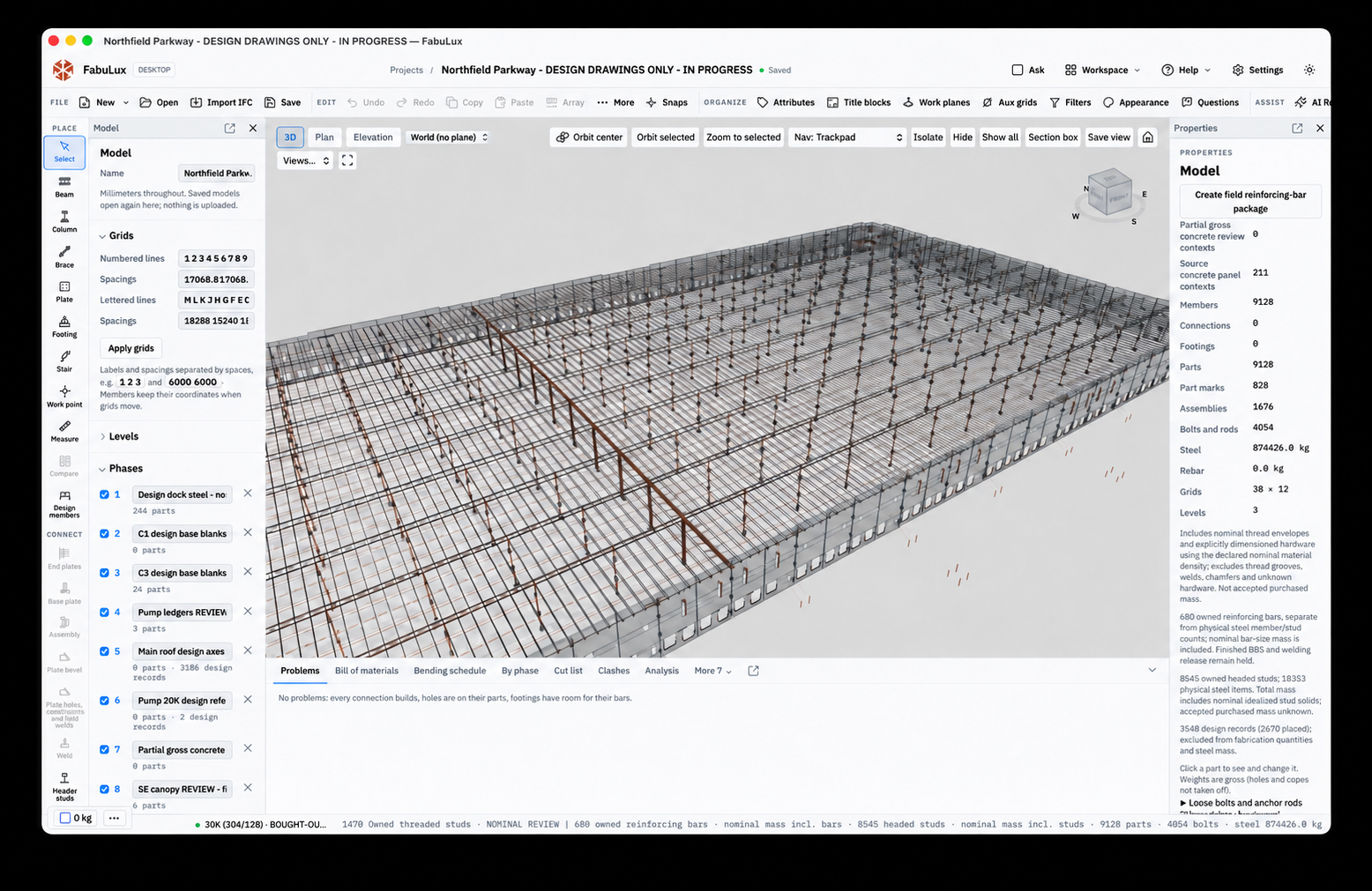
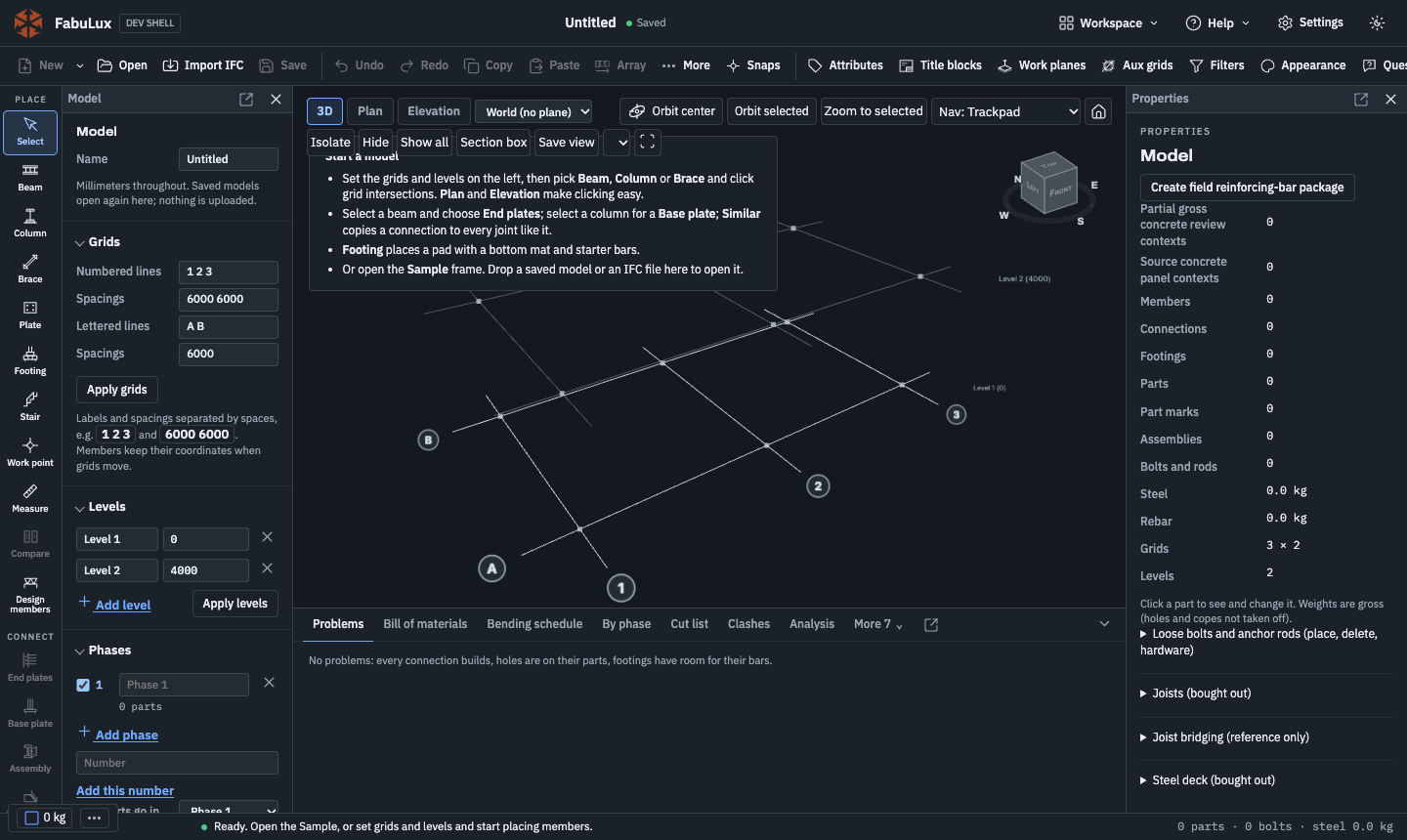
Beams and columns, embeds and studs, joists and deck, rails and rebar. FabuLux AI reads the design set and drafts the model. You approve it, and FabuLux produces the drawings, material lists, and NC files.
When the design changes, reissue only what changed.
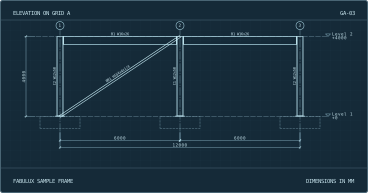
Grids move and plates change, usually the week the shop needs drawings. FabuLux ties members, connections, marks, sheets, and material lists to one model, so a revision is one change and not a hunt through every sheet.
Move a grid and the work points follow. Edit a connection and its plates, holes, and welds update together. Notes you added to a sheet stay with the model. Then FabuLux shows which sheets changed, and you issue those.
Why FabuLux
Less rework between the design set and the shop.
-
Faster modeling
Place the assembly, not each part.
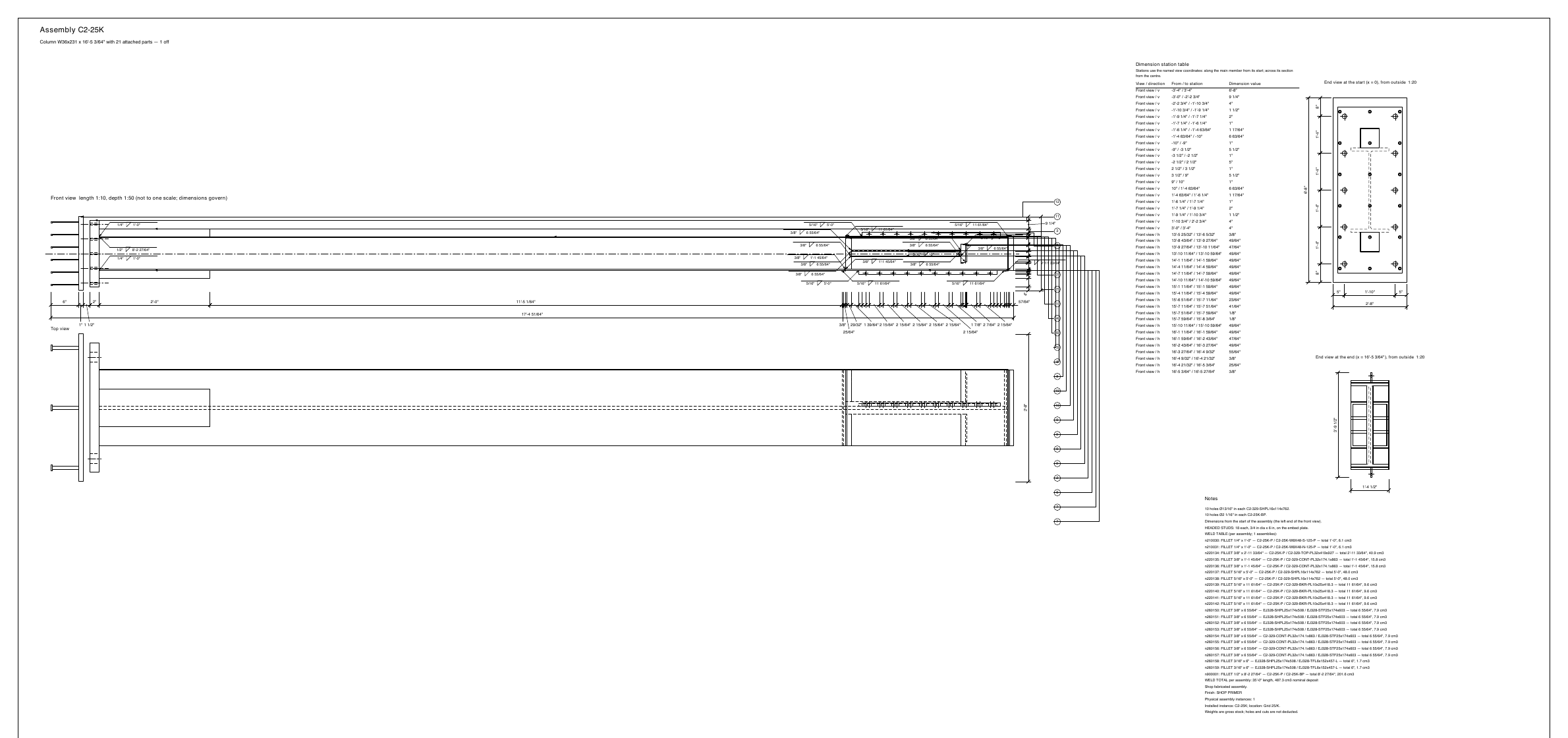
Pick the member, enter the sizes, and FabuLux places the plates, studs, holes, and welds together. Identical pieces share a mark, and one edit updates all of them.
-
Controlled revisions
Know which sheets to reissue.
Issue one sheet or every changed sheet. Part compare shows exactly why two pieces ended up with different marks.
-
No guessed values
Design values come from you.
Embed, column, and frame tools ask for each size and take no invented defaults. Open items stay flagged for the engineer, and a detail that can’t be built is refused with a plain reason.
-
Problems at your desk
Catch it before the shop does.
Clash checks, bolt access checks, and a live problems list find the conflict while it’s still a model edit and not a field fix.
-
Your sheets
Your title block on every drawing.
Set up your title block and logo, then save the scale, views, units, and line weights for each sheet type. Add notes, leaders, and dimensions where you need them.
-
US practice
Feet, inches, and AISC shapes.
Type 4-1/8 and FabuLux reads it. Drawings dimension to the nearest 1/64 inch on ANSI B, C, or D sheets, with AISC shapes and common ASTM grades.
Connections and misc steel
Set the connection.
FabuLux builds the parts.
-
Connected geometry
Change the plate. The holes follow.
Set an end plate’s thickness, bolt pattern, and weld size. FabuLux builds the plate, puts matching holes in the supporting member, and adjusts the beam’s cut length.
-
Repeated joints
Use the detail again.
Apply a connection to every matching joint in one step. Each copy stays editable, so you can handle an exception without touching the rest.
-
Fabrication access
Find the bolt you can’t reach.
Access checks flag bolts with too little socket clearance and name the part in the way, while there’s still time to change the detail.
What FabuLux models today
- Embed plates and channels with headed studs
- HSS columns with base, cap, and stabilizer plates
- W column continuity, cap, and shear plates
- Angle braces with end plates
- Roof and dock opening frames
- Angles and plates with hole patterns and plug welds
- End plates, shear tabs, splices, gussets, and base plates
- Threaded studs, loose bolts, anchor rods, and hardware
- Joists, bridging, and deck
- Stairs, rails, and ladders
- Reinforcing bars and tilt panels
- Polygon cuts, copes, bevels, and slotted holes
Output
Drawings and files for the shop and the GC
- Shop and assembly drawings Dimensioned assembly sheets and single-part sheets for supported parts.
- PDF · DWG · DXF
- General arrangement Plans, elevations, and an anchor bolt plan when the model has base plates.
- PDF · DWG · DXF
- Bill of materials Counts for parts, assemblies, bolts, and anchor rods.
- CSV
- Bending schedule Reinforcing bars listed from the same model.
- CSV
- Machine files Cutting and drilling data for supported parts. If a cut can’t be written correctly, FabuLux says so and doesn’t write a bad file.
- DSTV NC1
- Coordination model Send the 3D model to other BIM software, or import IFC to start from one.
- IFC4
FabuLux AI
Hand it the design set.
Approve the model.
FabuLux AI reads your structural drawings, models the steel, details the connections, and checks its own work against every callout. You review the result and decide what reaches the job. Everything also works by hand, so AI stays your choice.
- 1
It reads the drawings
Load the design set. FabuLux AI reads plans, sections, details, and schedules, sheet by sheet.
- 2
It builds the model
Members, embeds, studs, and connections go into a draft, with every value traced to the sheet it came from.
- 3
It checks itself
Every callout is matched to the model, and a separate blind check reads the drawings without seeing the first answer.
- 4
You approve
Review the draft and the open questions. Approve it and it lands as one undo step.
From the design set to a checked model
- Reads design drawings and proposes complete assemblies
- Accounts for every callout, so nothing gets missed
- Sends unclear or missing values to the engineer as questions, not guesses
- Learns your firm’s standards and detailing preferences
- Produces shop drawings that match your office and need little cleanup
An assistant that works on your open model
- “Add embeds along this line” places them, connections included
- “What’s the steel weight by phase?” answers from the model
- Runs clash and problem checks and walks you through the results
- Adds notes, dimensions, and view scales on assembly and single-part sheets
- Answers product questions from the help, with sources you can open
Developed on real steel
Built against a real job, not a demo frame.
FabuLux is developed on a real building model. The newest connection tools have to rebuild the pieces already in that model and match them.
- Members
- 9,128
- Headed studs
- 8,545
- Bolts and rods
- 4,054
- Tons of steel
- About 960
Rebuilt and compared so far: 272 brace end plates, 77 opening frames, 16 column plate sets, 207 angles with holes, and 84 plug-welded plates.